The future of tax advisory — AI-enhanced, digital, efficient, trustworthy.
🇩🇪 Private tax return, individual document collection
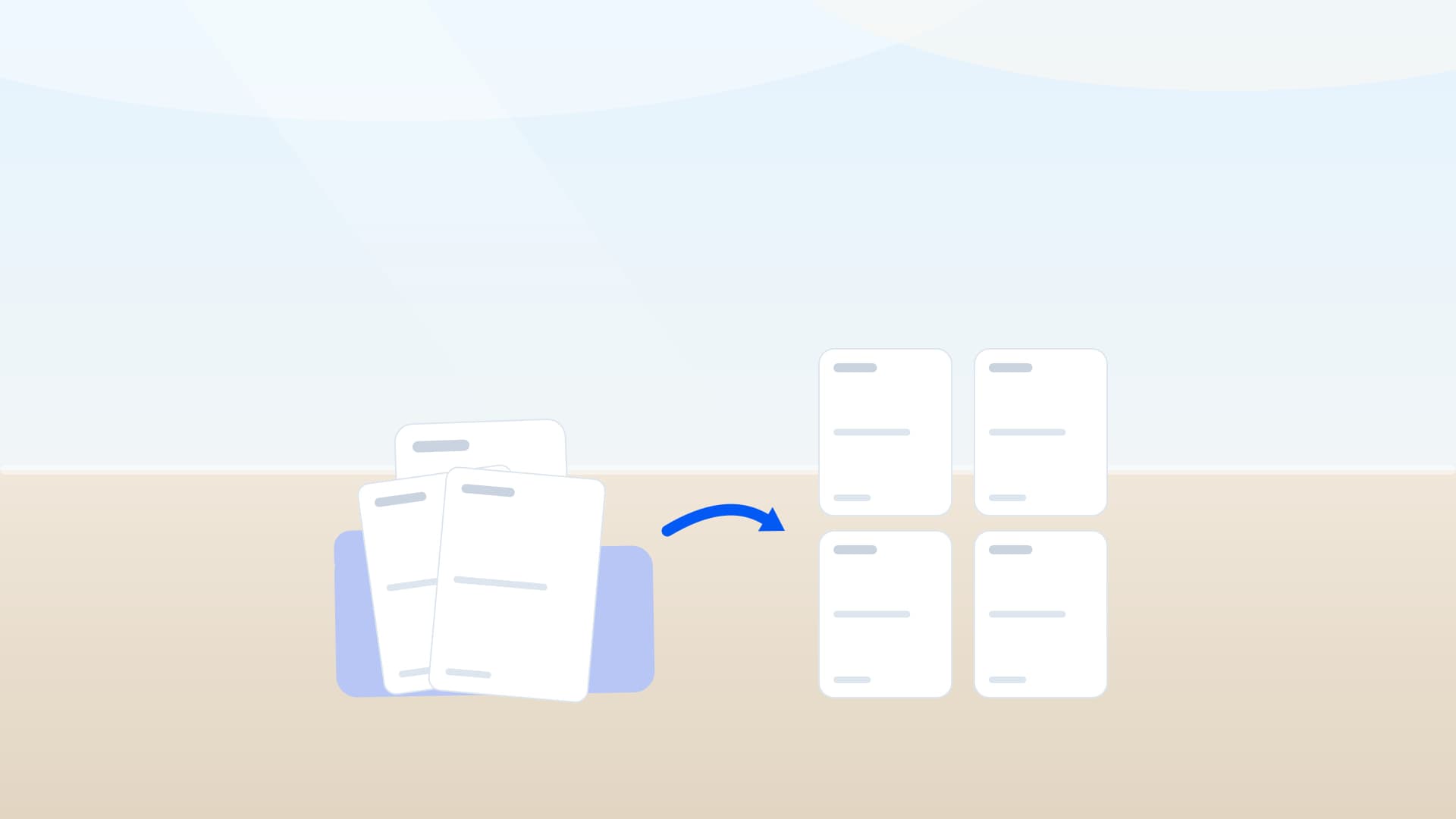
What disappears here: hunting for documents in your inbox, retyping figures, chasing three times. What remains: an orderly case — 13 documents exactly where they are needed, and 23 questions your clients answer themselves.
Takes just about 10 minutes — estimated from the number of questions, not measured.
You fill in the real workflow at the demo firm Muster Treuhand AG — no account, no sign-in. Your entries stay on your device until you submit them.
What you get out of it
Less handwork, more that can be checked.
- The AI fills in first
- The AI pre-fills 5 fields from your documents — you review instead of typing.
- Your clients answer for themselves
- Your clients answer 23 questions inside the workflow — not in an e-mail thread with you.
- Documents arrive in order
- The workflow collects 13 documents — each one where it is needed.
5
23
13
Reminders run by themselves — you do not chase by phone.
Every value the AI reads names the document it came from — checkable instead of taken on trust.
Signing happens without a printer.
The questions are written out in 6 languages: German, French, Italian, English, Spanish, and Romansh.
Today, and with crosstax
The same case, two ways.
Today: e-mail, Excel, paper
With crosstax
Documents arrive as attachments somebody has to file.
13 documents land straight in their place in the case.
Figures get retyped out of the document.
5 fields are already there — you review them.
If something is missing, you write an e-mail. Then another.
23 questions sit in the workflow; reminders run by themselves.
Signature: print, sign, scan.
Signing happens inside the workflow, without a printer.
Documents
What your clients bring along.
Every document is asked for where it is needed — with a note on whether it comes once or several times, and what the AI reads out of it.
Secondary-income documents (fee statements, invoices to clients, etc.)
Several times (e.g. per year)
Wage-tax certificate(s)
Several times (e.g. per year) · the AI reads 5 values
Loss certificate(s) under section 43a(3) EStG
Several times (e.g. per year)
Pension notice or pension income notice (pension from Germany)
Several times (e.g. per year) · the AI reads 6 values
Benefit notice under section 22 no. 5 EStG (Riester contract, occupational…
Several times (e.g. per year)
Statements of wage-replacement benefits (e.g. Agentur für Arbeit, health…
Several times (e.g. per year)
Pension statement(s) from outside Germany (e.g. Swiss OASI/DI, pension fund)
Several times (e.g. per year)
Donation receipts
Several times (e.g. per year) · the AI reads 3 values
Health and long-term care insurance contribution certificates (including…
Several times (e.g. per year)
… and 4 more documents — each at the point in the workflow where it is needed.
The path
How the case runs through.
Every section leads your clients step by step. What does not apply is not asked.
- 1
Personal situation
10 questions · 1 document
- 2
Employment income
2 questions · 1 document
- 3
Capital income
2 questions · 1 document
- 4
Pensions and wage-replacement benefits
4 questions · 4 documents
- 5
Special expenses
4 questions · 4 documents
- 6
Last year's tax assessment · optional
1 document
- 7
Other & remarks
1 question
- 8
Documents
1 document
The next step
Try the workflow yourself — no account, no sign-in.
Muster Treuhand AG is a made-up firm — our demo, not a reference customer. The software behind it is exactly what your clients would see.
The whole catalogue
More workflows
Every workflow has its own page — with its figures, its documents and the try-it-without-an-account.
🇨🇭→🇩🇪 Pension · withholding tax
DE residents, Swiss 2nd pillar
10 questions · 3 documents
🇨🇭→🇩🇪 Dividend · withholding tax
DE residents, Swiss securities
8 questions · 2 documents
🇨🇭 Private tax return, individual document collection
Federal, cantonal and municipal
108 questions · 36 documents
🇩🇪 Rental income · Anlage V
Rent, expenses, depreciation
45 questions · 5 documents
🇩🇪 Exit tax · §6 AStG
Shareholdings + valuations
9 questions · 4 documents
🇨🇭 Real-estate capital gain
Sale of a Swiss property
11 questions · 6 documents
🇨🇭 transparency register
Beneficial owners, TJPG
28 questions · 7 documents
🇩🇪 inheritance tax · pre-intake
Estate, parties, documents
68 questions · 21 documents
🇨🇭 Onboarding · Private client
New-client request, approx. 5 min
16 questions · 4 documents
🇨🇭 Onboarding · Company
With commercial-register search, approx. 5 min
28 questions · 7 documents
🇨🇭 Power of attorney · Private client
Representation before the Swiss tax authority
8 questions · 1 document
🇨🇭 Power of attorney · Company with sole signature
One authorised signatory, commercial register
12 questions · 1 document
🇨🇭 Power of attorney · Company with joint signature
Two signatories together, each confirms by SMS code
16 questions · 1 document
🇩🇪 Power of attorney · Private client
Representation before the German tax office
8 questions · 1 document
🇩🇪 Power of attorney · Company with sole signature
One authorised representative, commercial register
15 questions · 1 document
🇩🇪 Power of attorney · Company with joint signature
Joint representation by two, each confirms by SMS code
19 questions · 1 document
🇨🇭→🇩🇪 3a payout · withholding tax
DE residents, pillar 3a
🇦🇹 Employee tax assessment
E1 document collection
🇫🇷 Income tax declaration
Annual, employees
🇮🇹 Modello 730
Annual, employees
🇪🇸 Annual tax return
Annual, residents
Frequently asked questions
Do clients need an account?+
No. Clients fill the workflow via a link — an account is optional and lets them upload further documents later.
Is the data secure?+
Connections to crosstax are encrypted with HTTPS (TLS), the database is stored in the EU (Ireland), and the application runs in Frankfurt. Privacy notice under the Swiss FADP and the GDPR; changes to cases and documents are logged.
How does the data reach my tax software?+
Export reviewed answers and documents as structured CSV/Excel — or submit them straight into the authority workflow.
Schedule a demo
See crosstax on your own cases.
30 minutes with the people behind crosstax. We will show you the workflows that fit your firm — and answer your questions.

Klaus Fuchs
CTO · NC Labs
All fields are required except where optional is shown.
We look forward to showing you the future of tax advisory.